Introduction
Another security feature that we can set after gaining control of our IP block is rDNS. This is useful in proving that we control the IP block and assigning URLs to it.
Cloudflare Setup
Under Cloudflare, add a new domain following the ip6.arpa format of reversing the hexadecimal. for example IPv6 Block is 2a06:9f81:3200::0.0.2.3.1.8.f.9.6.0.a.2.ip6.arpa
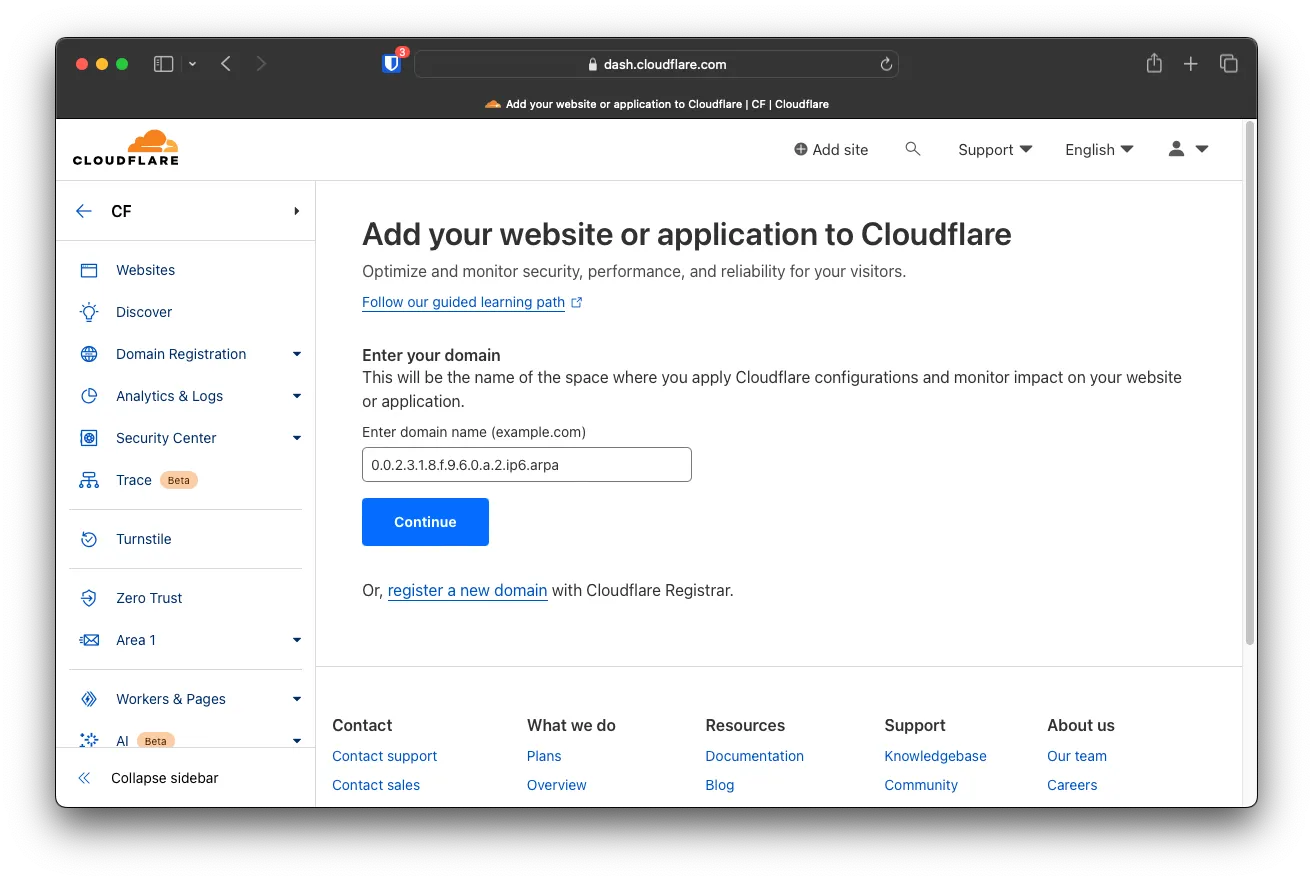
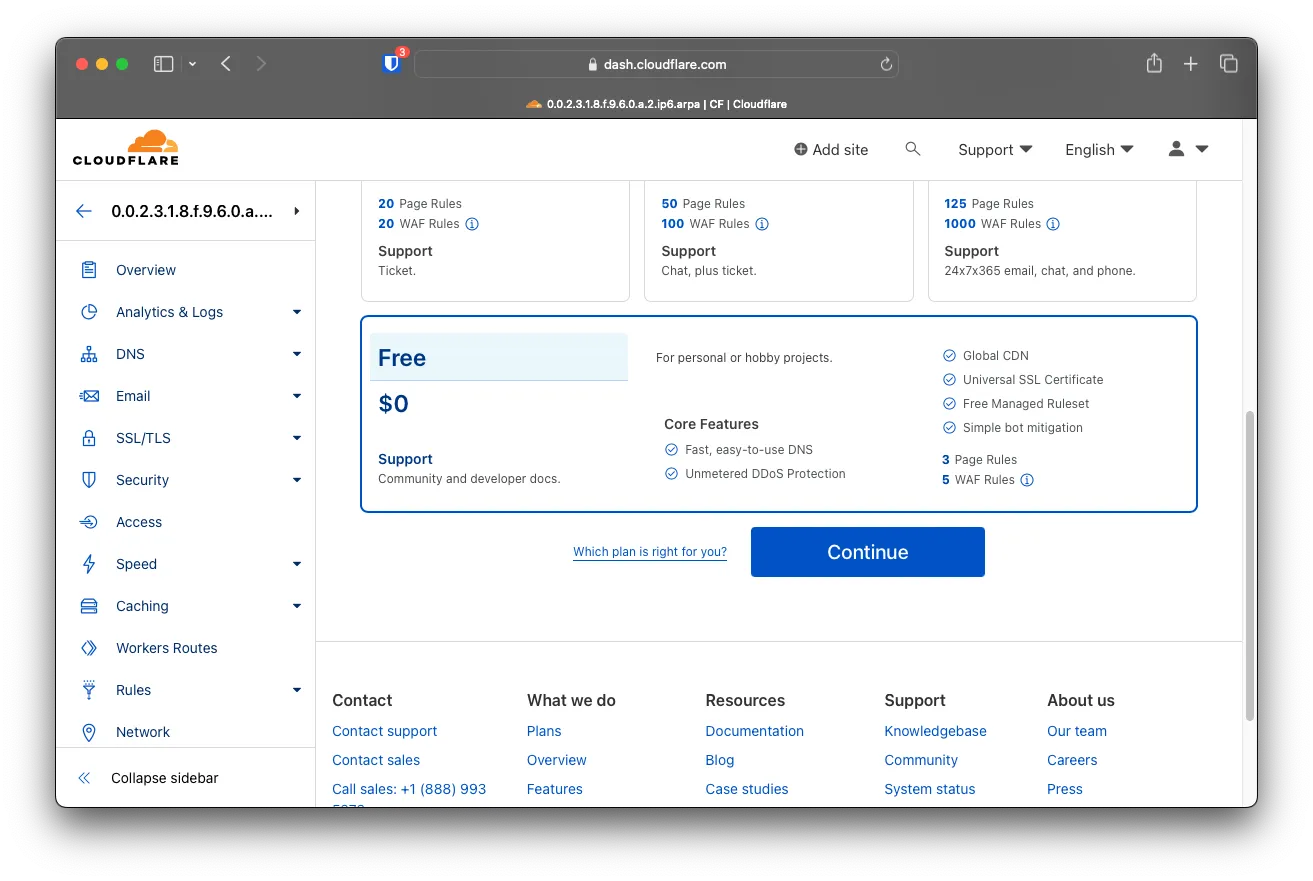
Choose the free tier and click on Next
Click on when asked to import any DNS records Continue
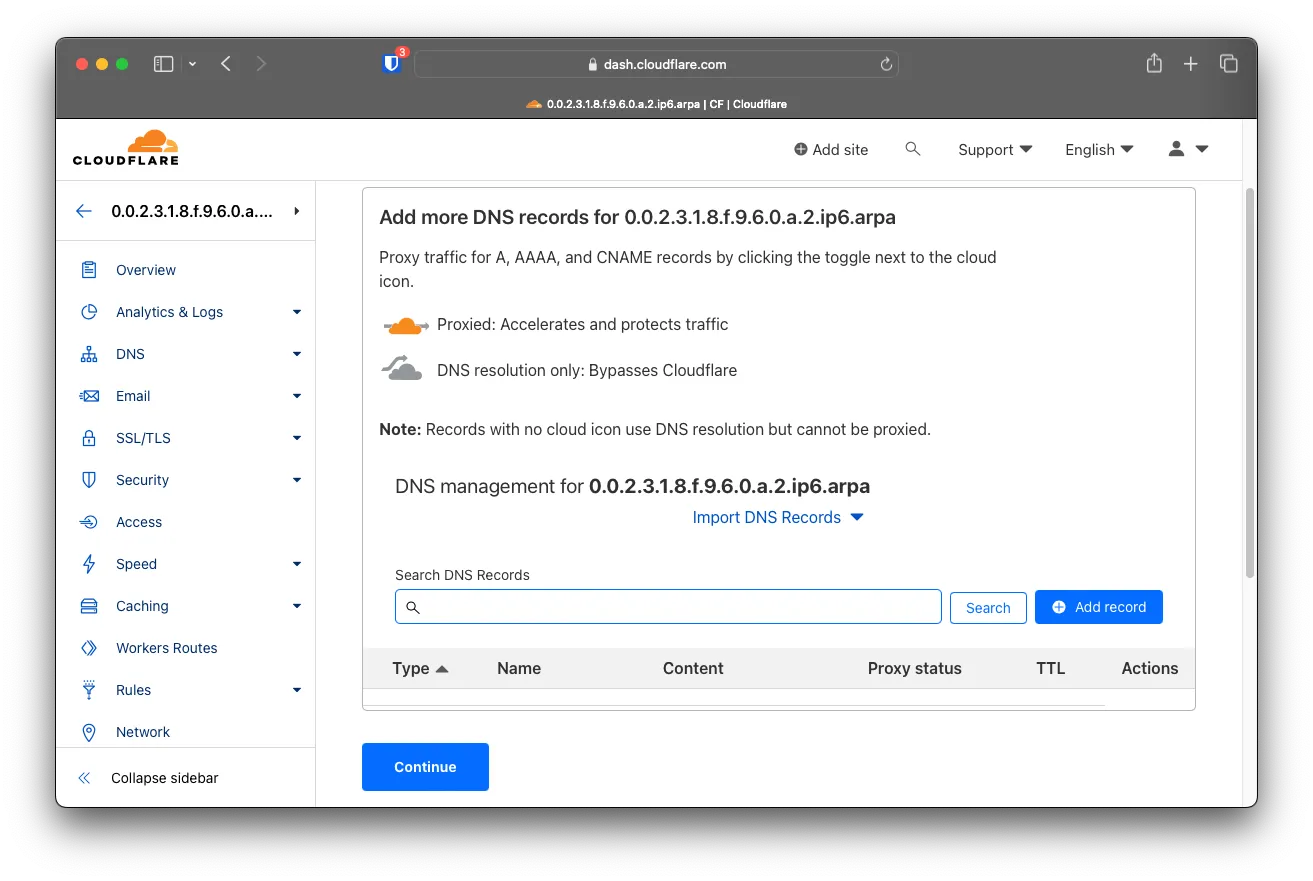
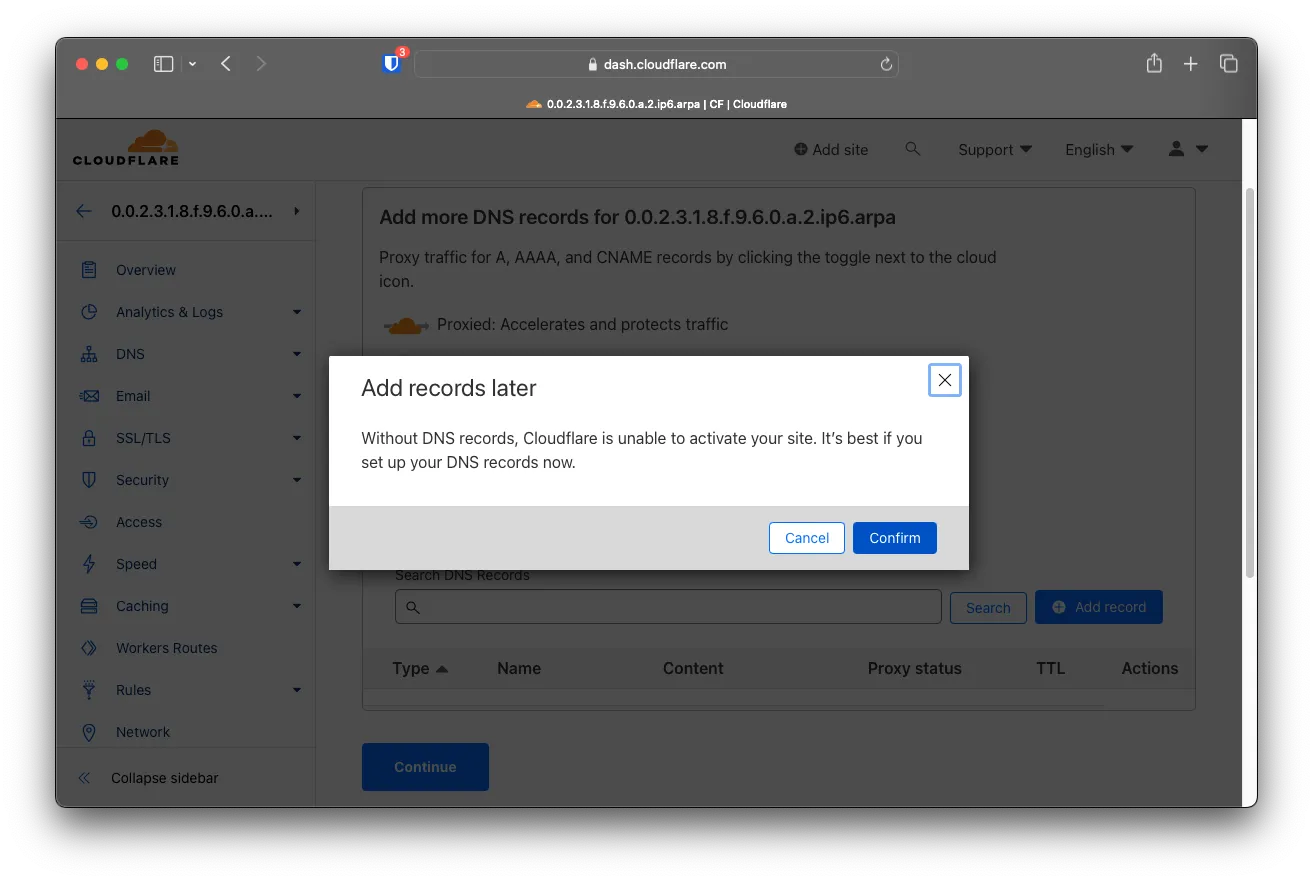
Click on to add records later Confirm
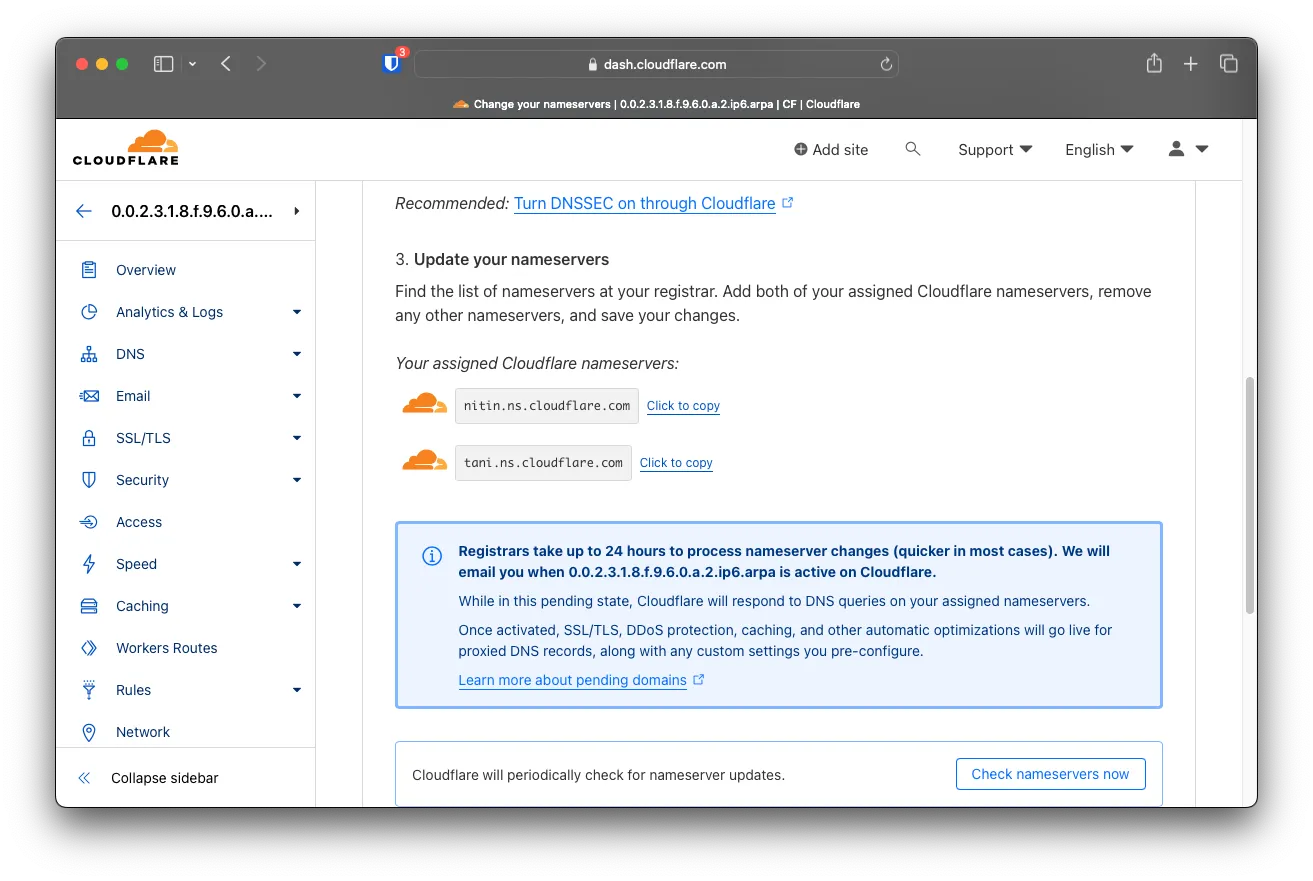
Copy the new nameservers and provide them to your IP Block provider to update rDNS for them
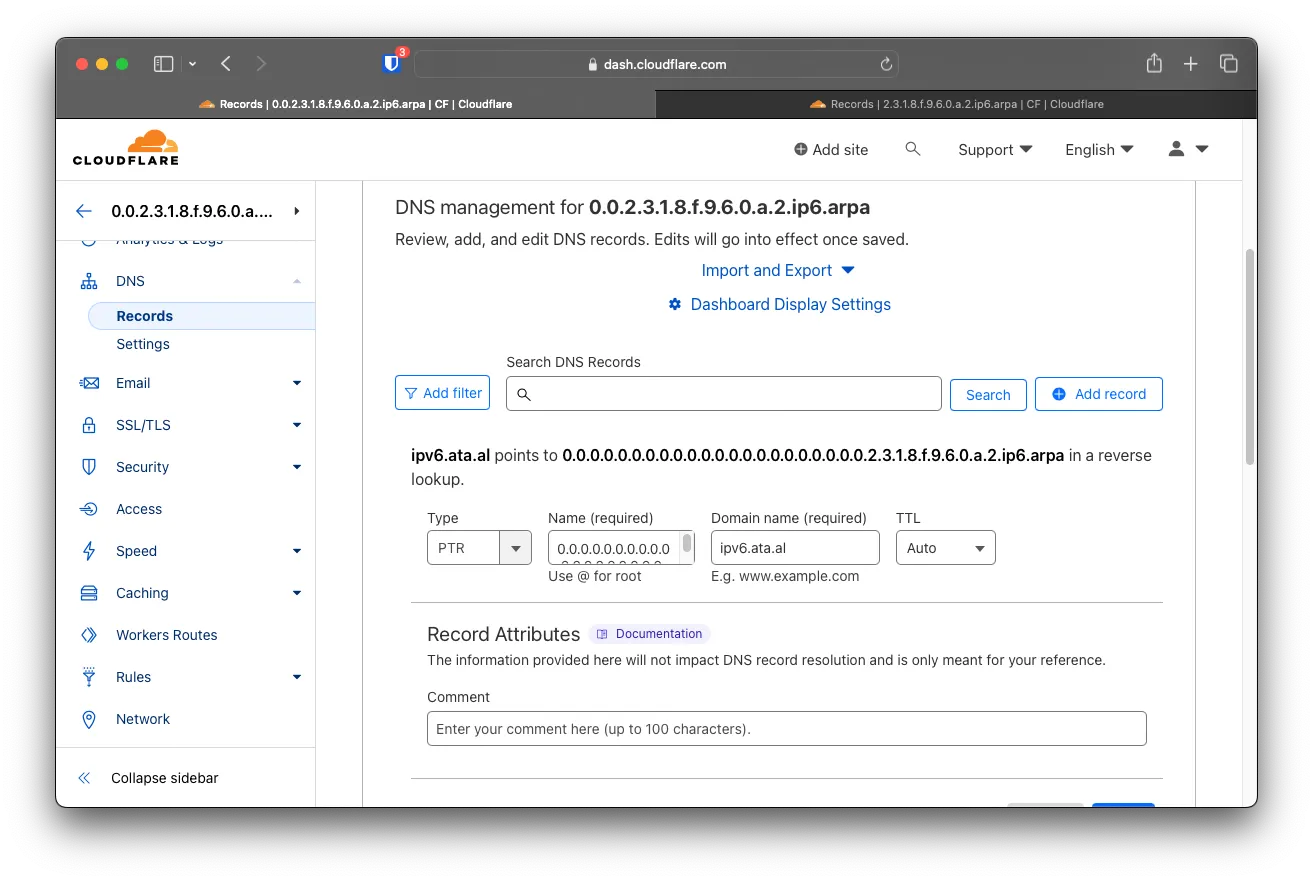
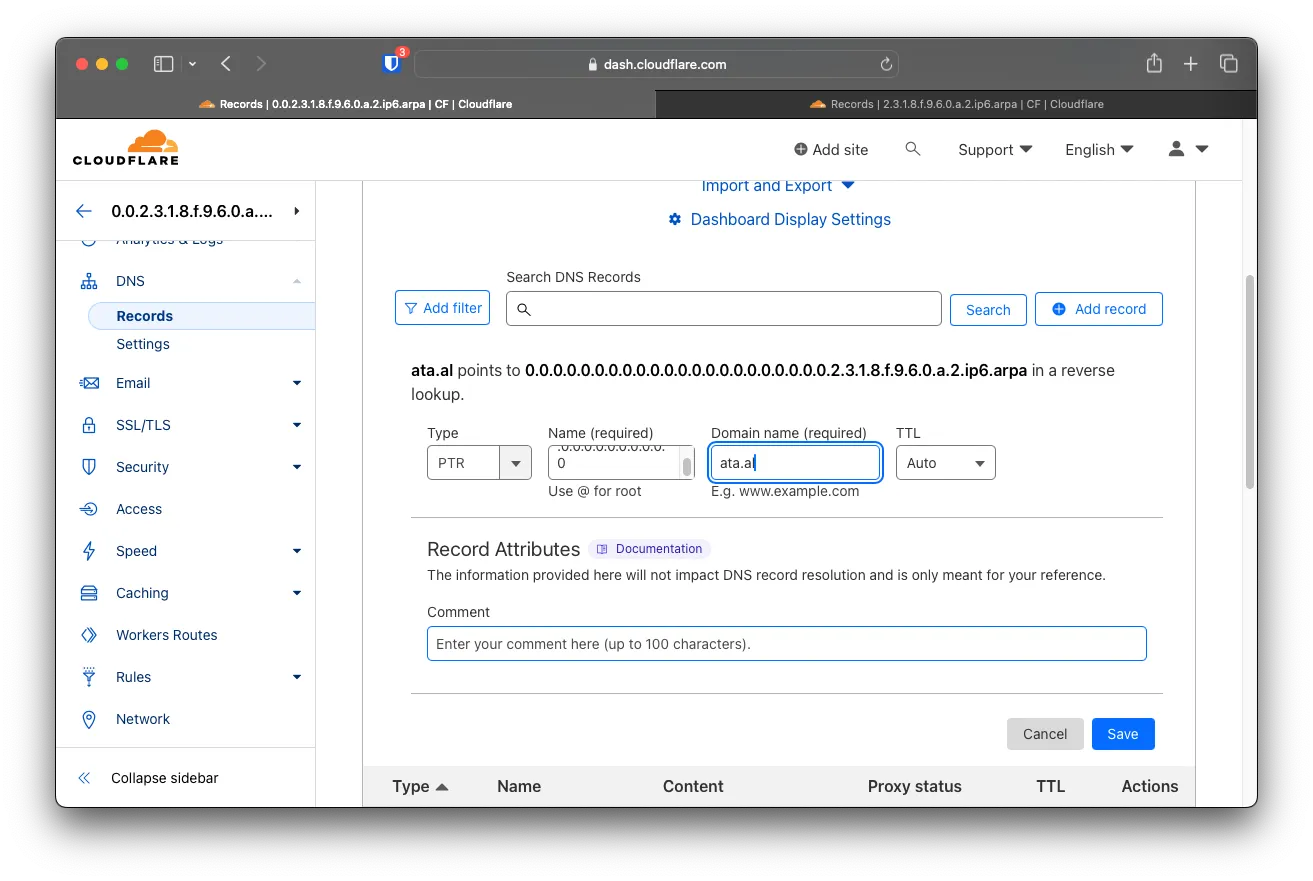
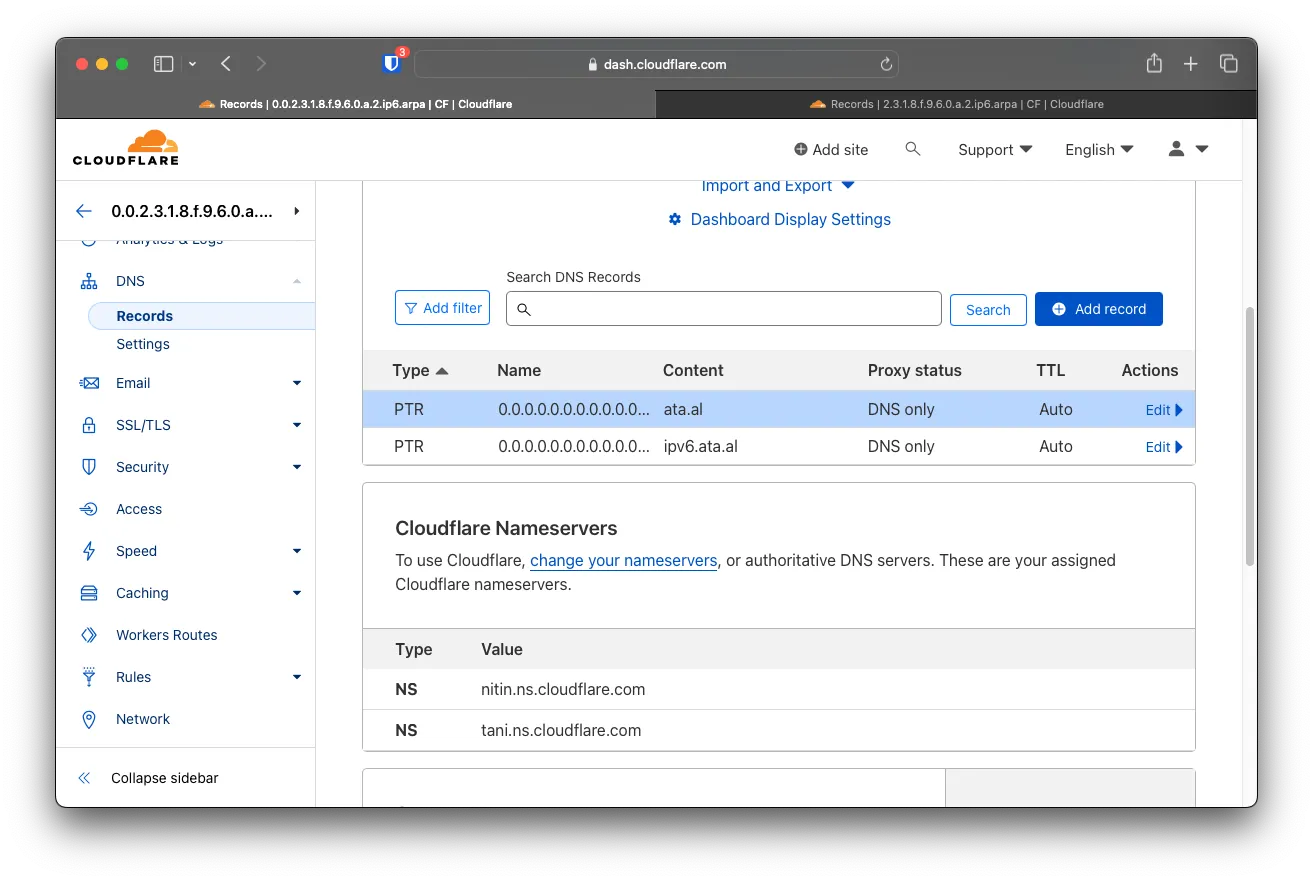
After the Nameservers are transferred over, add 2 new PTR records, both with the host as and content set to and 0.0.0.0.0.0.0.0.0.0.0.0.0.0.0.0.0.0.0.0.0.0.2.3.1.8.f.9.6.0.a.2.ip6.arpaipv6.ata.alata.al
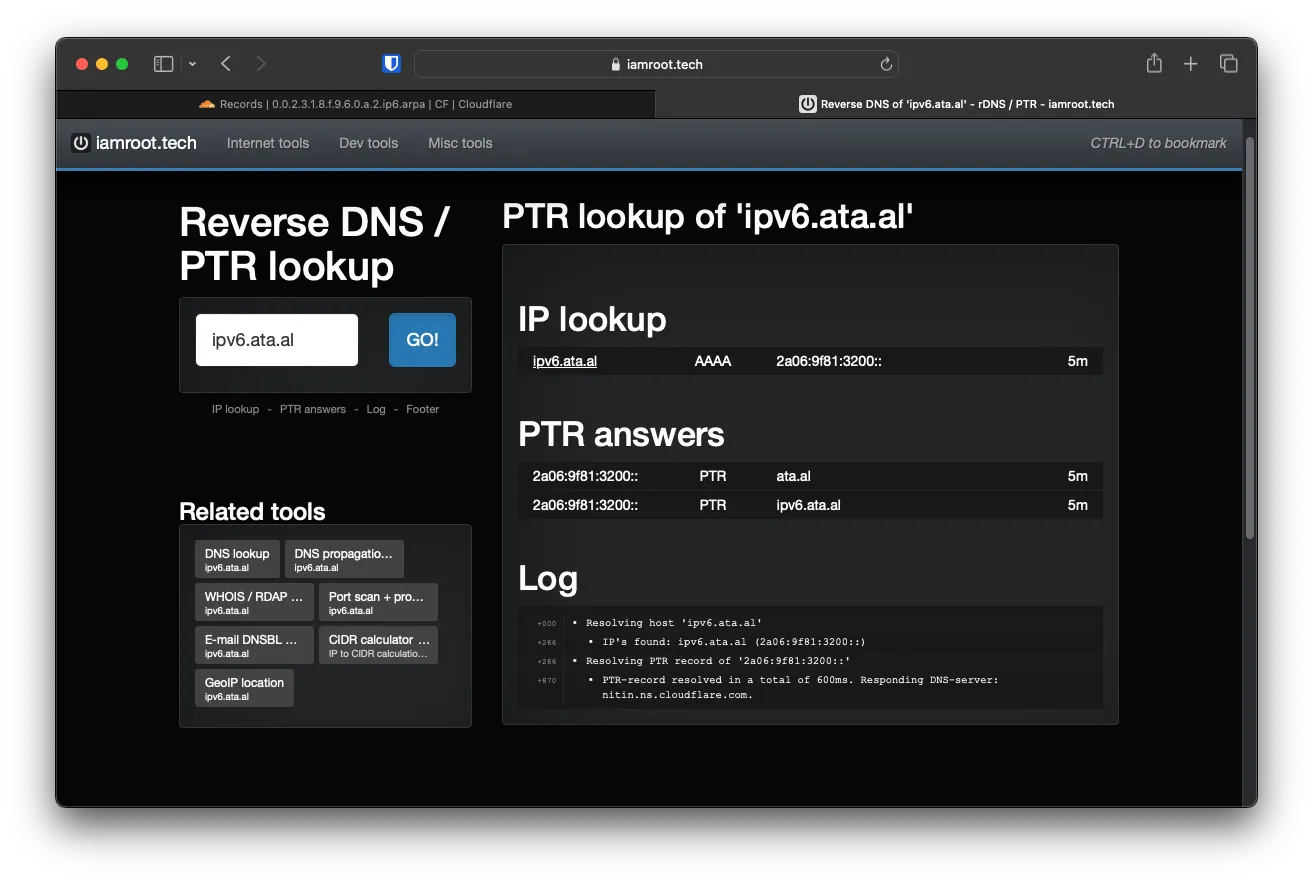
Vefying that rDNS is working
Use the following website to check if your domain and rDNS are working https://iamroot.tech/reverse-dns-ptr-lookup/